
Finance
Quotes, invoices, payments, and reporting without the spreadsheet fog.
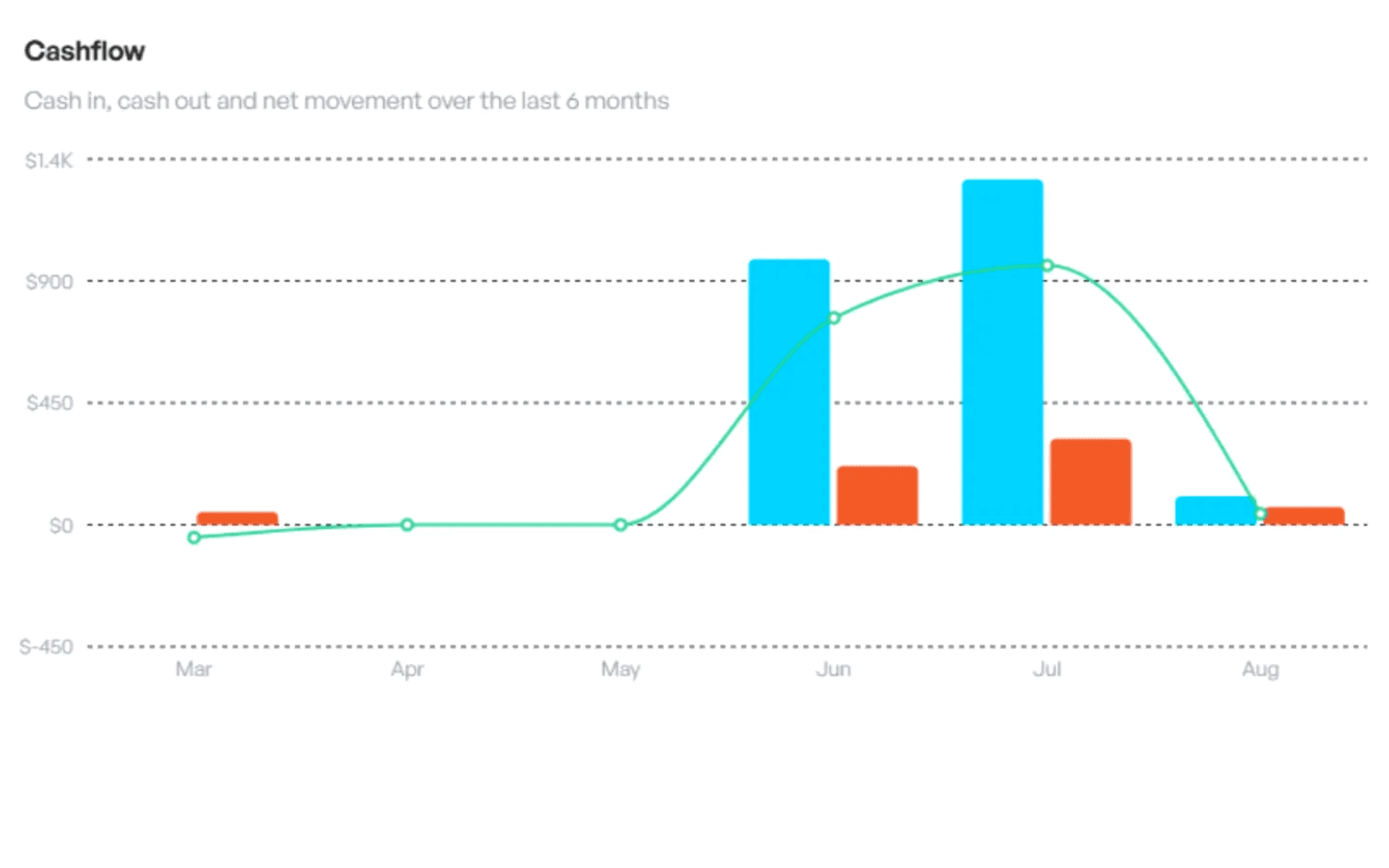


Ingeeky Suite is a secure all-in-one ERP that unifies finance, sales, operations, calendars, documents, and team workflows in one trusted workspace. Manage teams, customers, tasks, finances, calendars, documents, and reporting without stitching together disconnected tools.
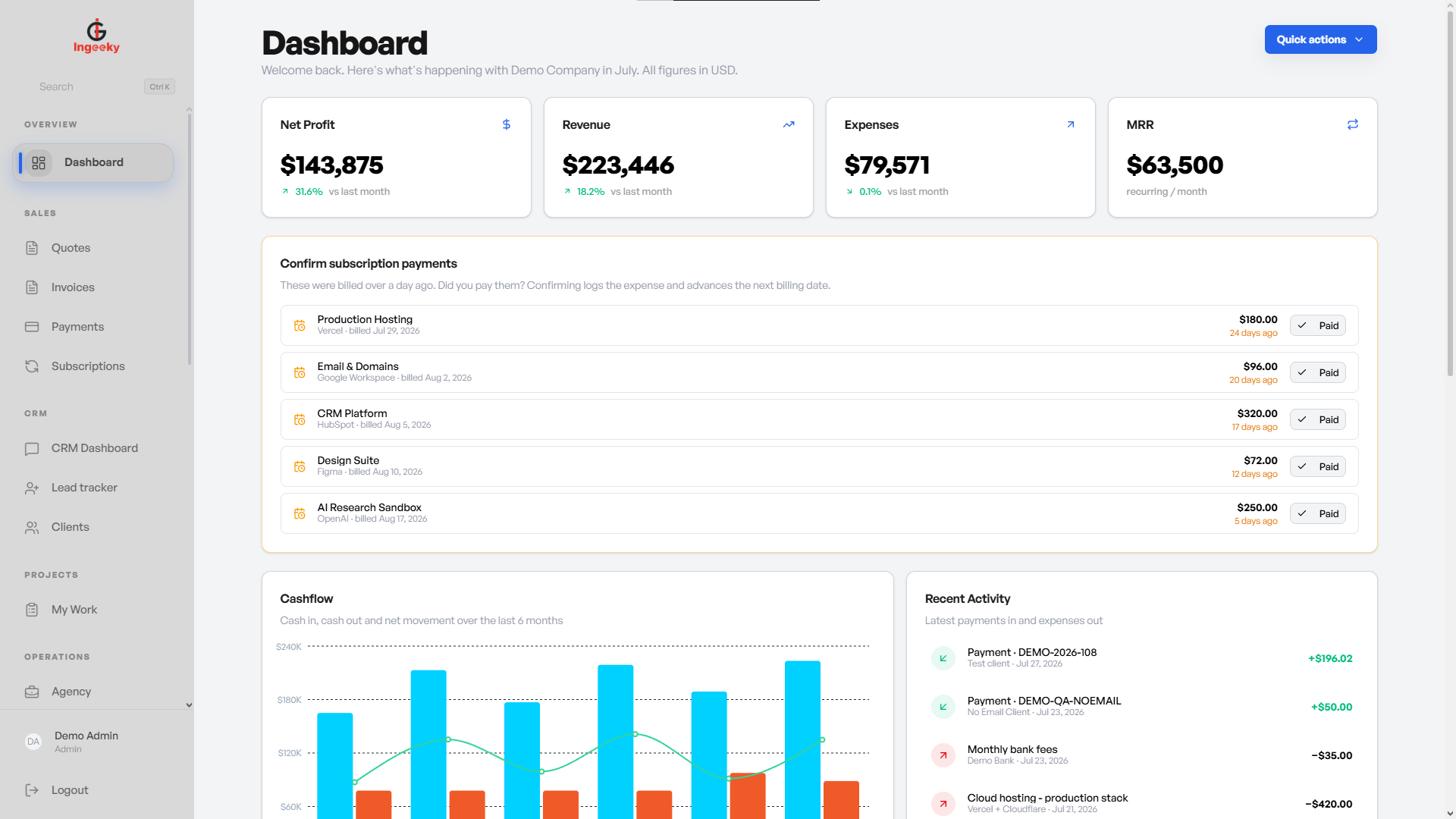
Scroll through the main operating areas and see how each part of the ERP connects the work behind it.
Finance
Create financial documents, preview them live, email clients, track payments, and read dashboard metrics from the same operating layer.
Operations
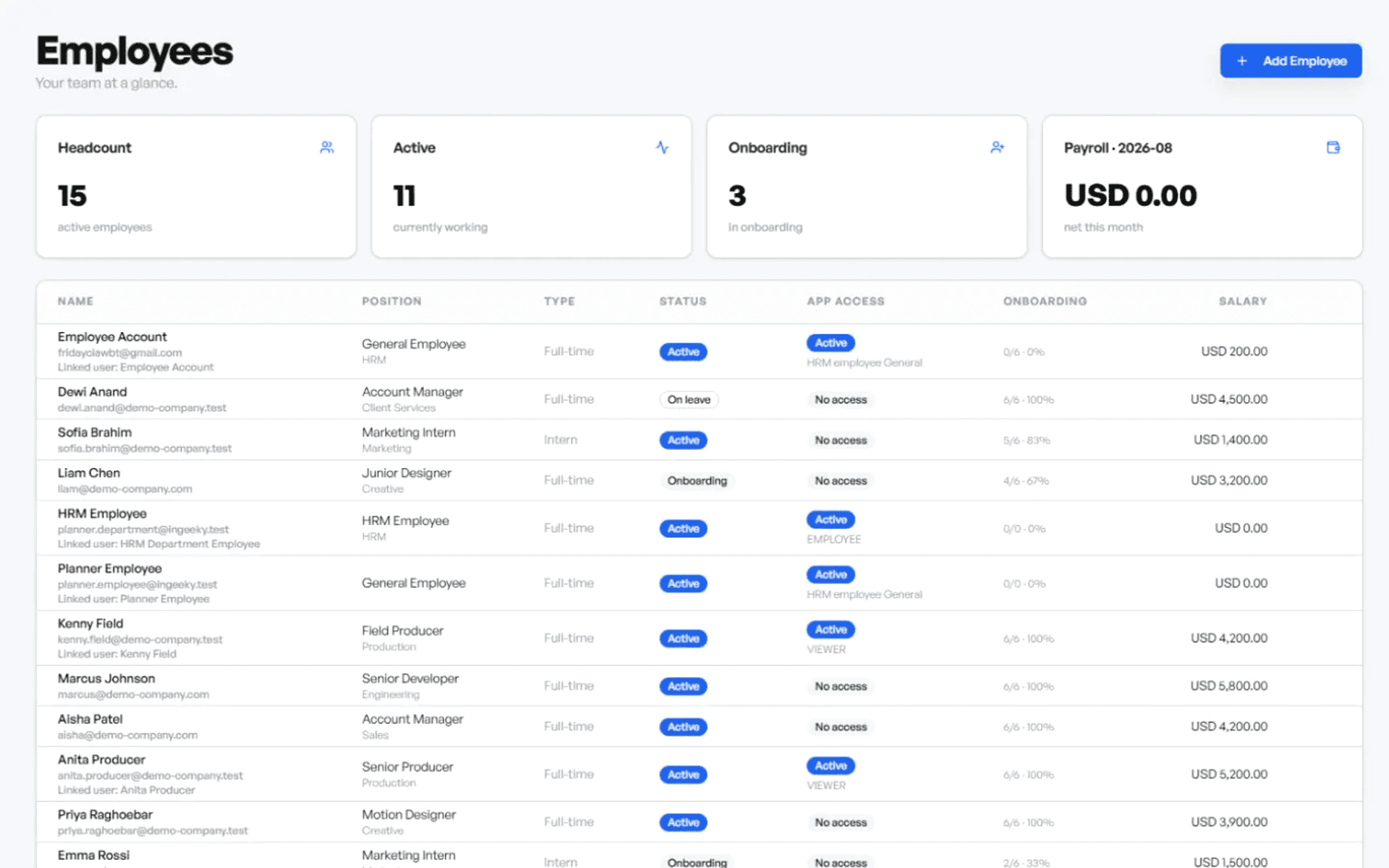
Assign tasks to departments or individual employees, connect work to projects, and keep visibility scoped to the right company and role.
CRM
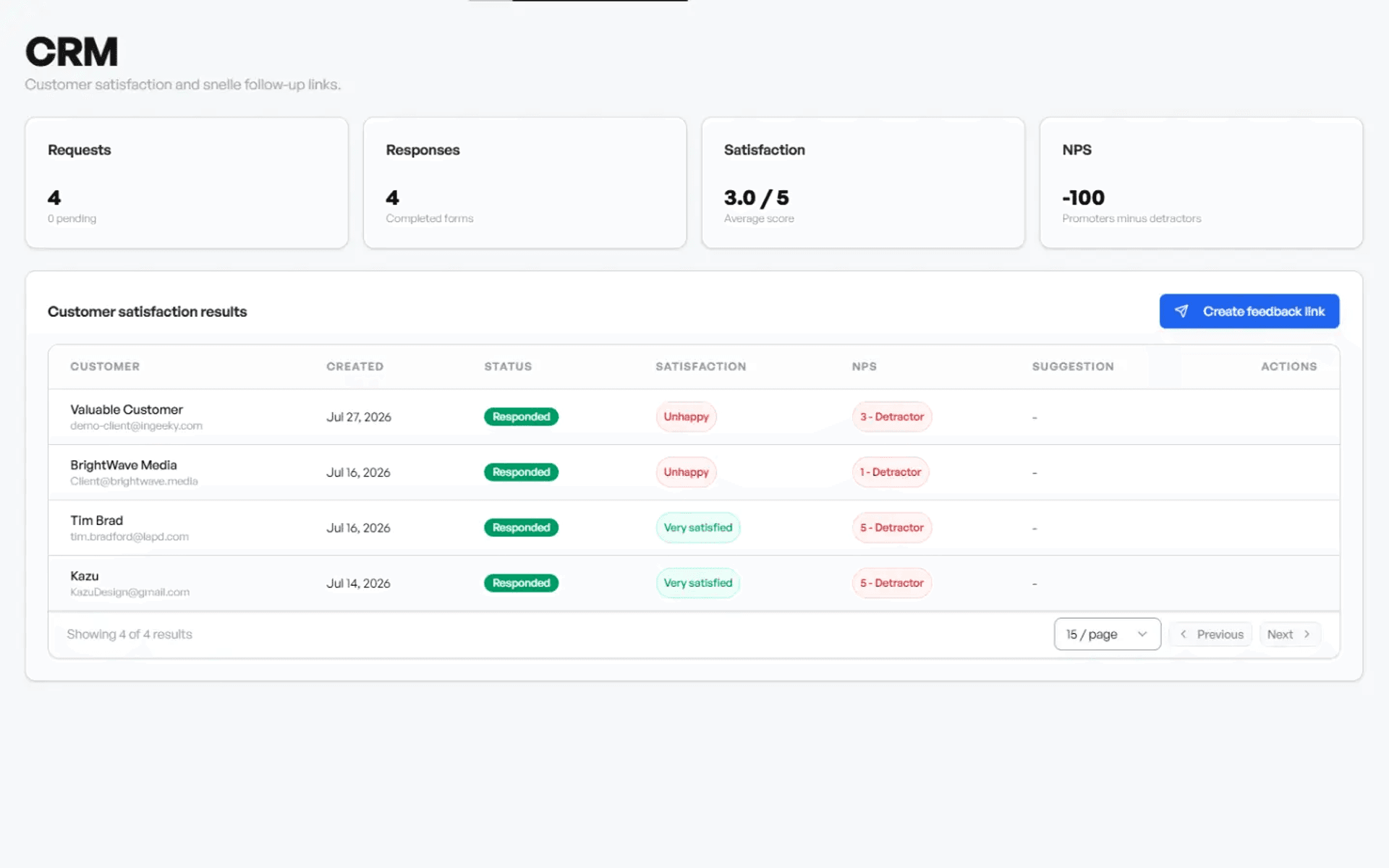
Bring customer communication, ticketing, calendars, contacts, and internal ownership closer together so fewer things fall through the cracks.
12+
Business areas managed
8
Core feature groups
3
Calendar providers supported
Role-based
Permission model
Use the modules you need today, then expand around your operating model.
Real-time business summaries, finance visibility, and operational insights.
Client records, contacts, CRM activity, satisfaction requests, and tickets.
Organize employees, departments, roles, and company-specific profiles.
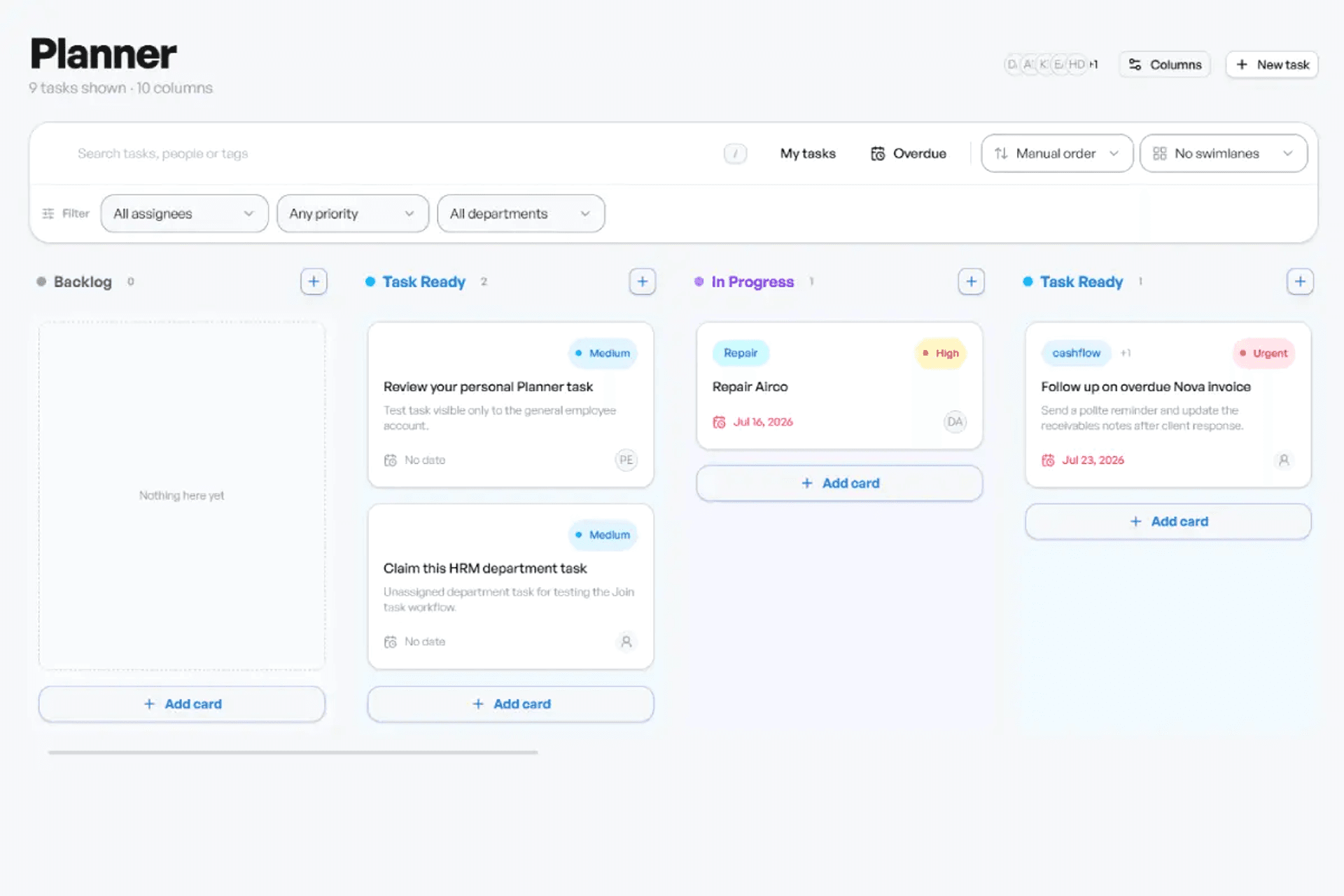
Kanban boards, assignments, due dates, departments, and project links.
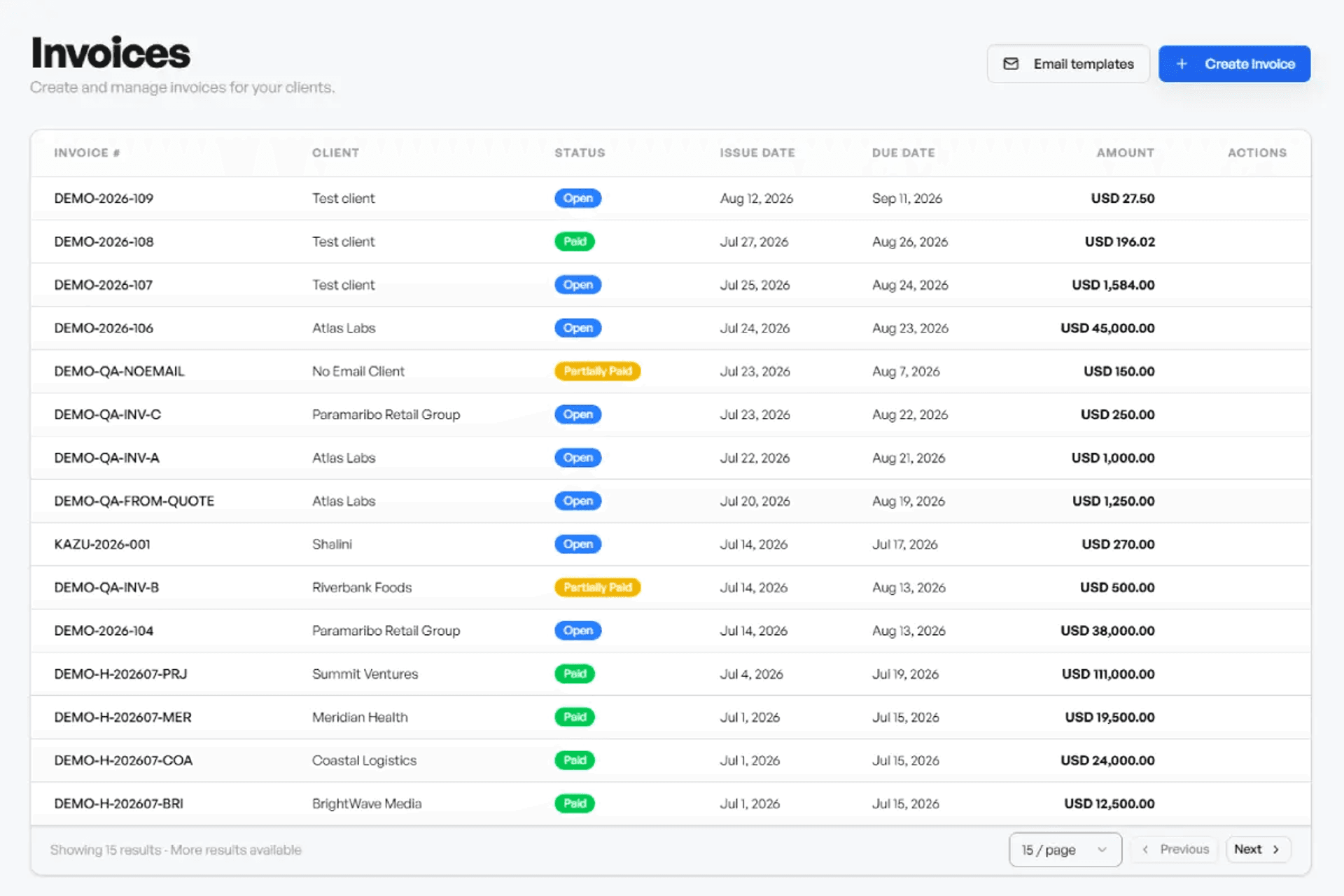
Document creation, live previews, PDFs, email sending, and payment records.
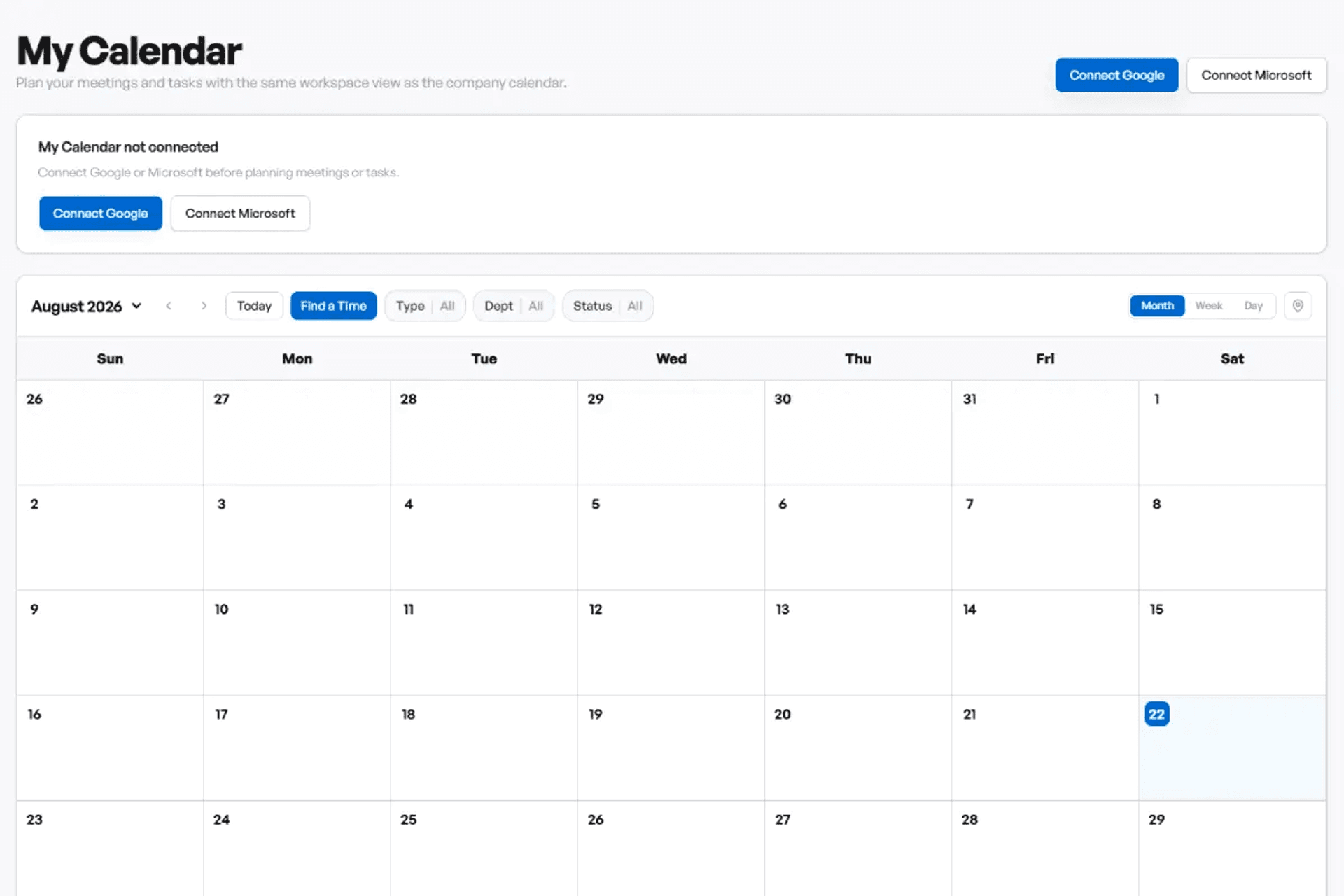
Company calendar views, tasks, events, and external calendar connections.
Employees, vacancies, reviews, warnings, payroll, and staff submissions.
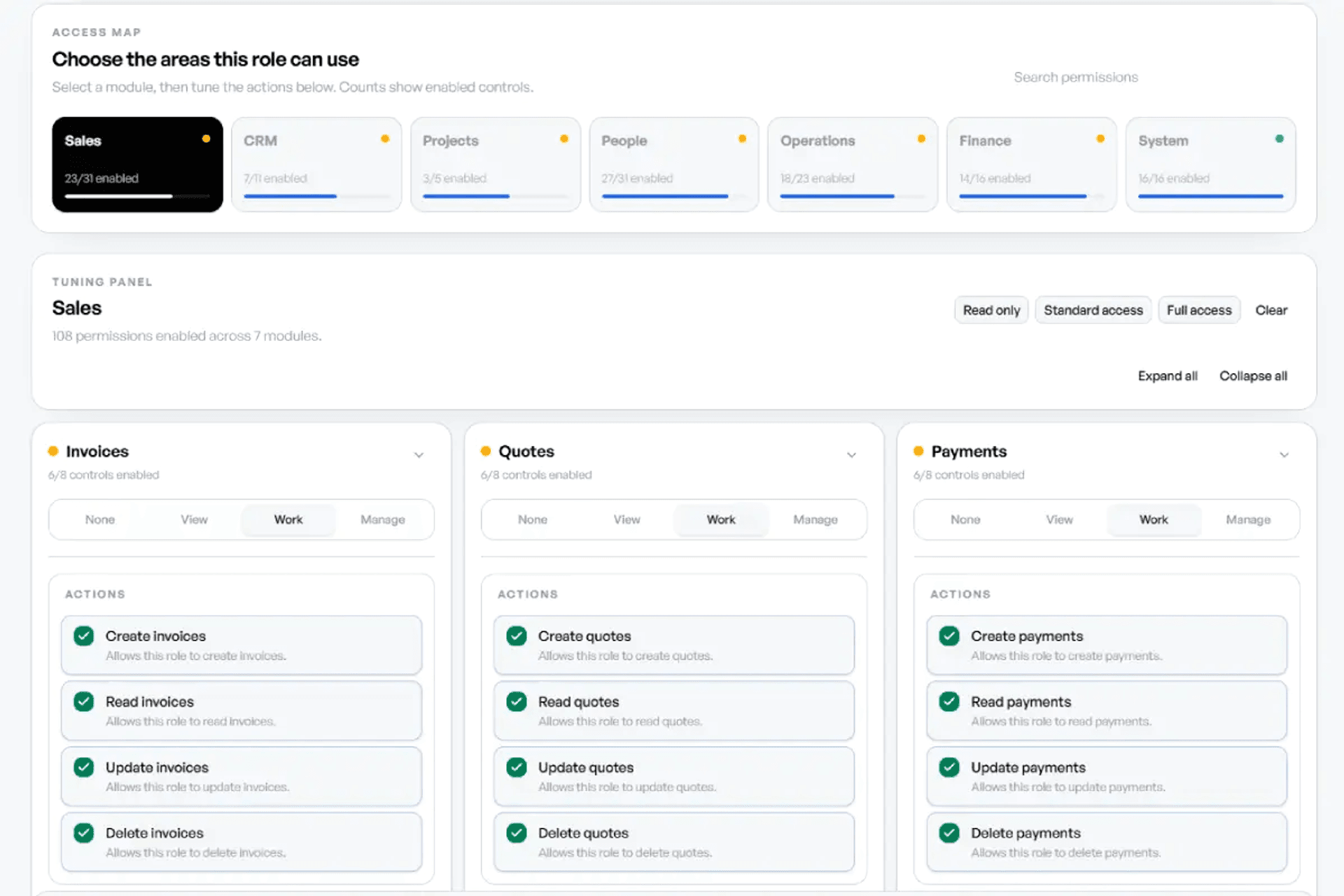
Granular access control so people see only what they should.
The goal is not another app to babysit. It is one reliable place for the company to work from.
Run finance, staff, customers, projects, and reporting from one ERP workspace.
Reduce duplicate entry and keep everyday approvals easier to follow.
Protect company, department, and person-specific work with role-based access.
Modules, departments, users, and workflows can scale with the business.
Connect the services people actually touch: calendars, email, meeting links, locations, and document outputs.







A quick overview of what the ERP is built to support.
It centralizes finance, customers, tasks, projects, departments, calendars, HR workflows, documents, and reporting in one secure workspace.
Yes. Users can be assigned company-specific profiles, departments, roles, tasks, projects, and permissions.
Yes. The ERP includes role-based access controls so admins can decide which modules and actions each role can access.
Company-specific records are scoped to the tenant so client, project, finance, ticket, and employee data stays inside the correct company context.
Yes. Core pages use responsive layouts with mobile navigation and mobile-friendly cards/forms where practical.
Yes. The platform is modular, so additional business workflows can be planned and added around your operating process.
Take control
Bring your people, customers, workflows, documents, and reporting into a single ERP workspace.
Get StartedTell us what you want to centralize and which teams need access. We’ll follow up with the right next step.
hello@ingeeky.com
+597 8100-900